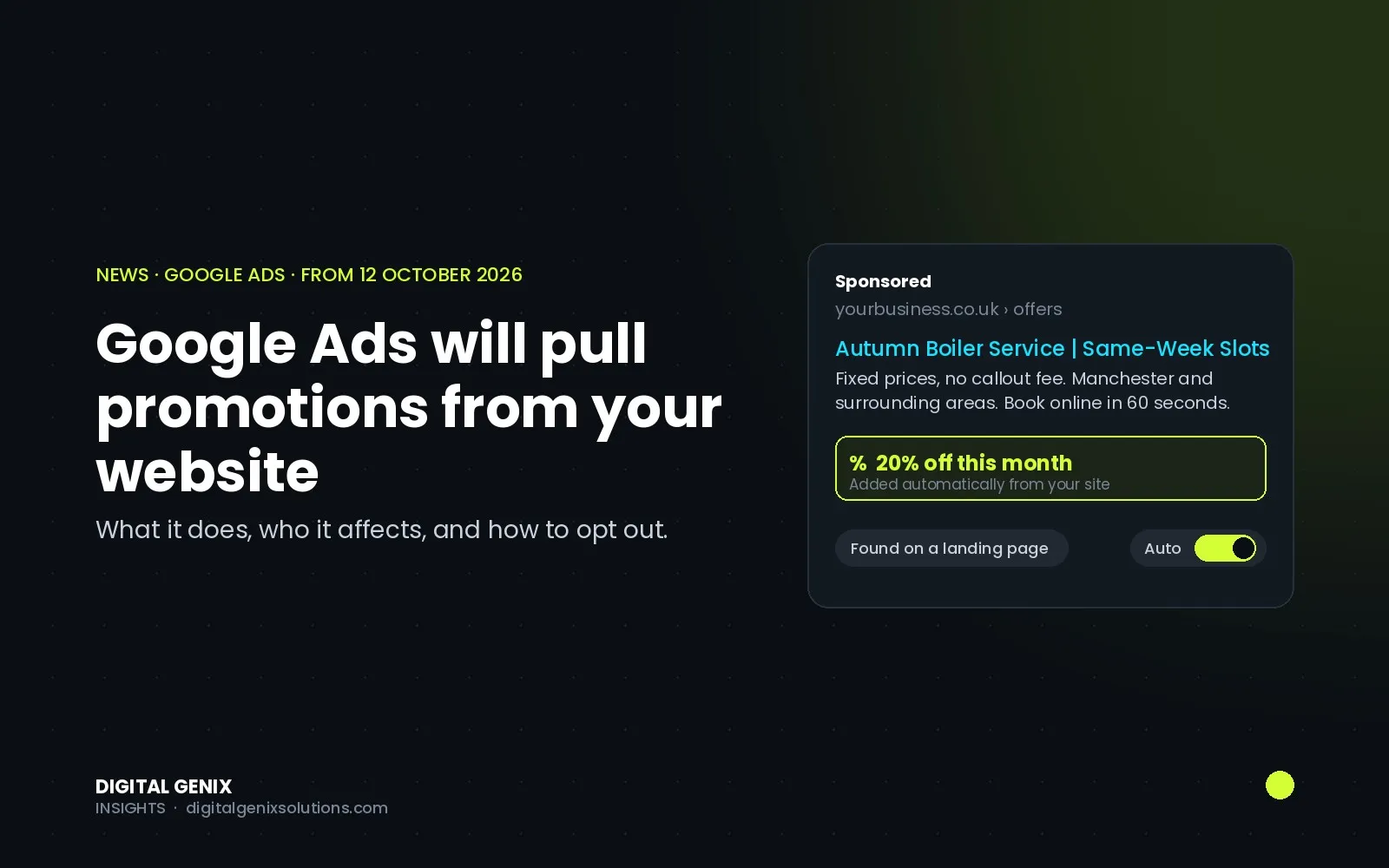
From 12 October 2026, Google Ads will start scanning advertisers' websites for discounts and attaching them to campaigns as promotion assets, without anyone in the account adding them. The change applies to Search and Performance Max campaigns that have location assets linked and no promotion assets already attached. Enrolment is automatic; you can switch it off at account level. If you run offers on your site, this is worth ten minutes of your time this week.
What Google announced
The notice went out by email in early October and was reported by Search Engine Roundtable on 5 October and PPC Land on 6 October. In Google's words, the system will "automatically identify and extract high-quality promotions, such as coupons and deals, from your website" and add them to eligible campaigns.
The scope, as stated in the email:
| Detail | What Google says |
|---|---|
| Start date | 12 October 2026 |
| Campaign types | Search and Performance Max |
| Condition | Campaigns with linked location assets and no promotion assets already attached |
| Source of the offers | Your own website's landing pages |
| Enrolment | Automatic |
| Opt out | Account-level setting: automated assets settings → Automated Promotions → Off |
Google describes the feature as a way to remove manual effort and surface "valid, high-quality promotions" at scale. What it has not explained, as PPC Land points out, is how "valid" is judged, which regions are included, or what happens to an offer that has expired on your site but is still cached in an ad.
Why it matters
Promotion assets are useful. They add a visible offer line under your ad, they lift click-through rate in most accounts we have run them in, and they are one of the easier ways to stand out on a crowded results page. The problem is control. An offer that Google has extracted on your behalf can:
- show for a product or location where it does not apply, because the scraper does not understand your terms and conditions;
- keep running after the offer has ended, if the re-check misses it;
- appear in a campaign where you deliberately kept promotions out, for example brand-only campaigns where discounting trains people to wait for a code;
- be invisible in reporting, because promotion assets with zero impressions do not show up in the Assets view.
For a restaurant group with a lunch deal on one branch's page, or a clinic with a seasonal offer that has legal wording attached, that is a real risk. For an e-commerce store with a site-wide 10% code, it is probably a free win.
What to do before 12 October
1. Decide per account, not per gut feeling. If your site has clean, current offers with simple terms, leaving it on is reasonable. If offers are branch-specific, time-limited or carry conditions, turn it off and add promotion assets yourself.
2. Know where the switch is. In Google Ads, go to the account-level automated assets settings, find Automated Promotions and set it to Off. There is no campaign-level control, so this is all or nothing for the account.
3. Add your own promotion assets to the campaigns that matter. Google skips campaigns that already have promotion assets attached. A manual promotion asset with the right dates, the right occasion and the right landing page both gives you the benefit and blocks the automation on that campaign.
4. Audit your site for stale offers. Old "20% off this month" banners on forgotten landing pages are exactly what a scraper will find. If it should not be advertised, it should not be live.
5. Check the Assets report after the 12th. Filter for automatically created promotion assets, and remember that anything with zero impressions will not show. If you see one you did not write, that is your cue to switch the setting off or replace it with a manual asset.
Our view
This is part of a longer pattern: Google is moving more of the ad-building work into automation and leaving advertisers an opt-out rather than an opt-in. Some of it is helpful. Most of it is helpful only when the inputs are clean, and the inputs here are your website. The accounts that come out of this well will be the ones where someone has looked at the setting, looked at the site and made a decision, rather than finding out from a customer that the lunch deal was showing in the wrong city.
If you would rather someone checked this across your account for you, that is the kind of thing we cover in a free audit.