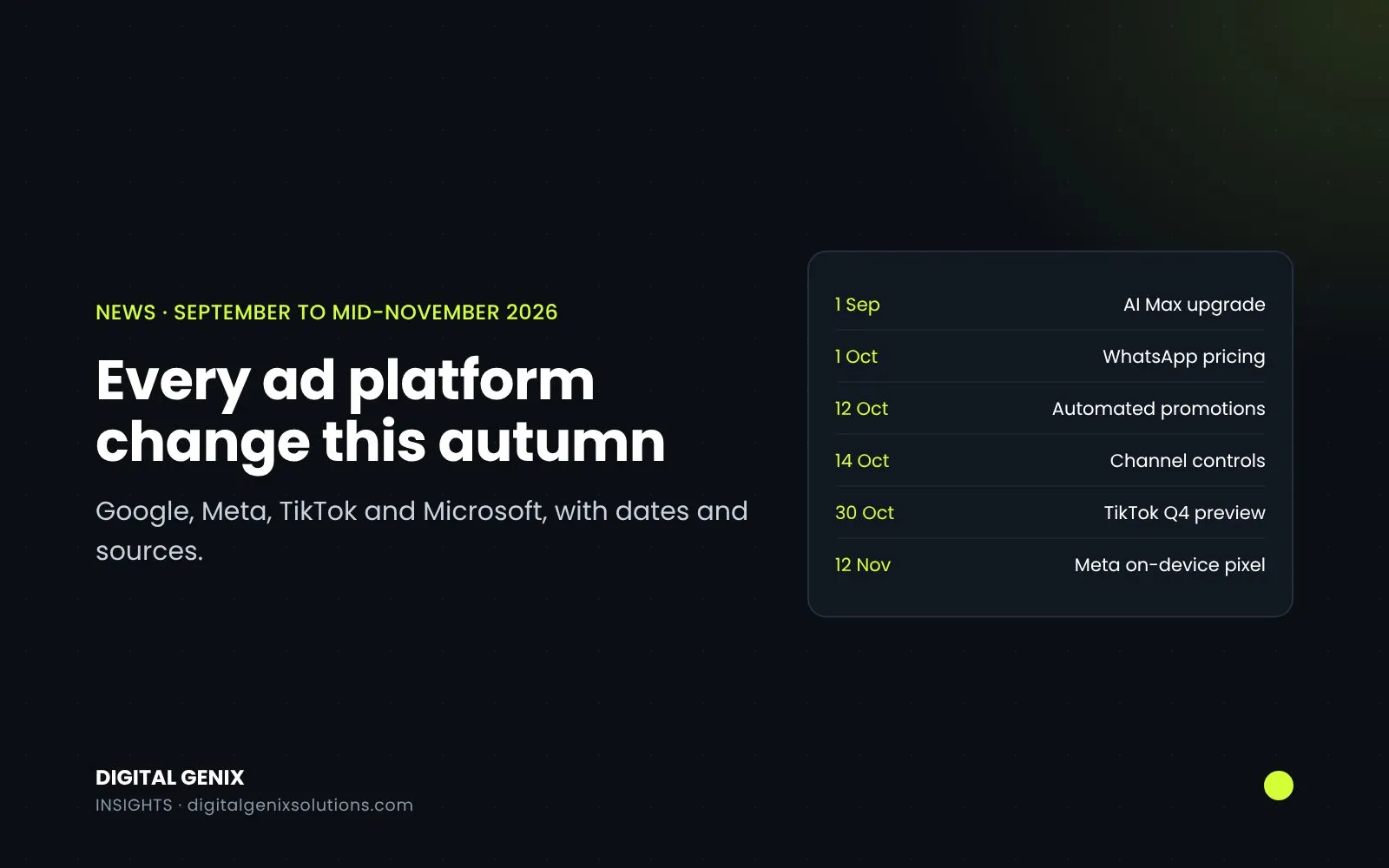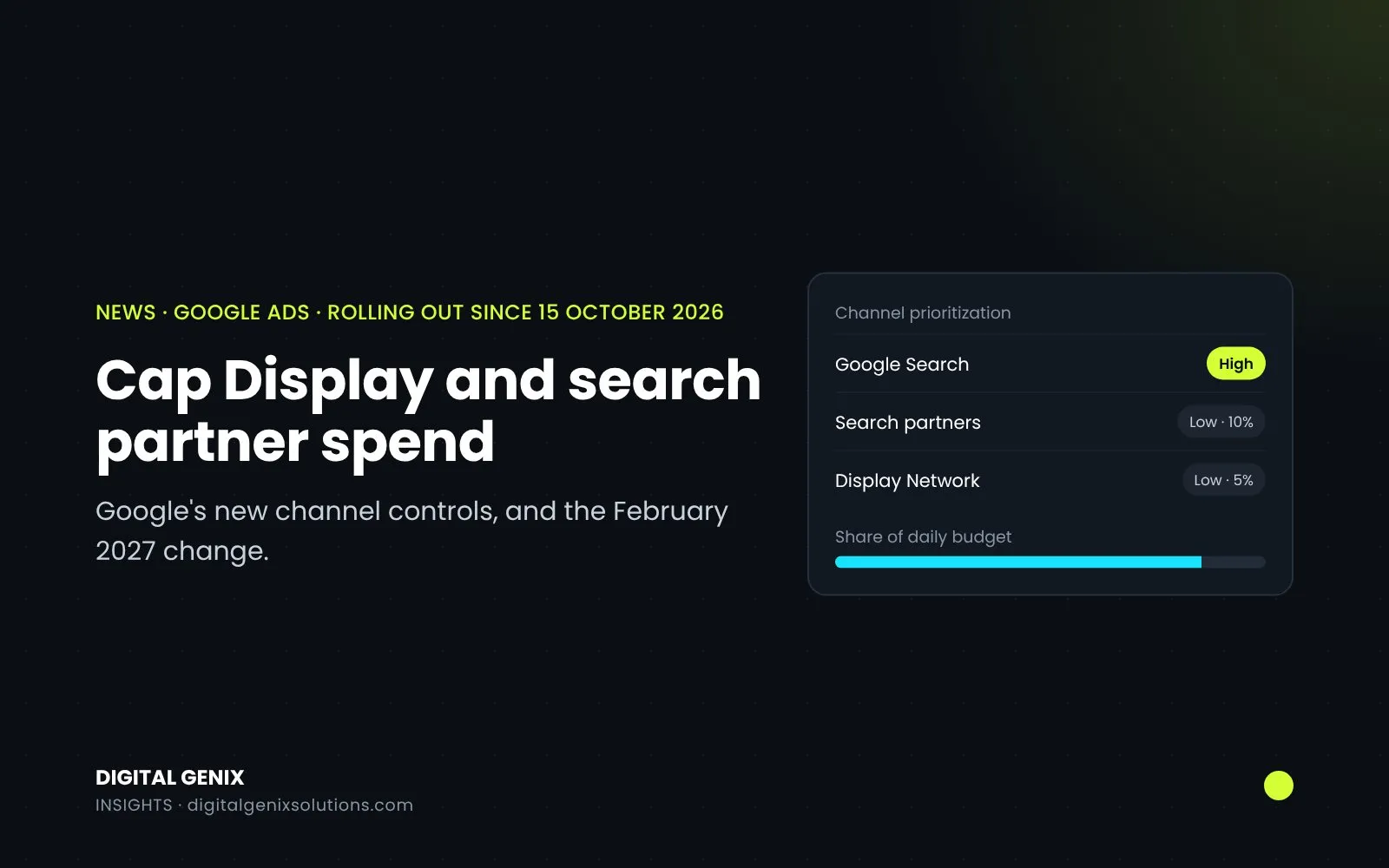
Since mid-October 2026, Google Ads has two new controls over where your budget goes. Channel prioritisation lets you mark channels such as Google Search, search partners and the Display Network as high or low priority. Budget allocation lets you cap how much of your daily budget a low-priority channel can spend. They work in Search, Shopping, Performance Max and Demand Gen campaigns. Google's stated aim is to let you test search partners or Display with a limit, rather than switching them off entirely.
There's also a deadline attached. From February 2027, Search campaigns with the Display Network switched on lose their current setup unless you act.
What Google announced
Google announced the controls on 14 October, rolling out "globally across Search, Shopping, Performance Max, and Demand Gen" over the coming months. Its help page says the rollout started on 15 October, is progressive, and that availability may vary by account. If you can't see the setting yet, it hasn't reached your account.
Which channels you can control in Search and Performance Max
| Campaign type | Channels you can prioritise | Budget cap available? |
|---|---|---|
| Search | Google Search, search partners, Google Display Network | Yes |
| Shopping | Google Search, search partners | Yes |
| Performance Max | Google channels, search partners, Google Display Network | Yes |
| Demand Gen | Google channels, Google Display Network | No, priority only |
In Performance Max and Demand Gen, "Google channels" groups Search, YouTube, Maps, Gmail and Discover together. You can't, for example, put YouTube on low priority on its own.
How the priorities work
Every channel starts as high priority. High-priority channels are funded first, and low-priority channels get what's left. How much difference that makes depends on your bid strategy:
| Bid strategy | What priority does |
|---|---|
| Target CPA, target ROAS or target CPC, and limited by budget | High priority spends first within your target. Low priority gets budget only when high priority can't spend it within target |
| Target CPA, target ROAS or target CPC, not limited by budget | Priority makes no difference to spend. A budget cap on low priority still applies |
| Maximise conversions, maximise conversion value, maximise clicks, manual CPC, target impression share | High priority spends first. Whatever's left goes to low priority |
That middle row is the one to remember. If your campaign isn't held back by its budget, setting a channel to low priority on its own does nothing. The cap is what limits it.
How the budget cap works
The cap is a percentage of the campaign's average daily budget, not of what it actually spends. For example, a 10% cap on a campaign with a £50 average daily budget aims to keep that channel at or below £5 a day.
A few rules from Google's help page:
- It's best effort. Google aims to stay within it, but daily spend on the channel can sometimes go over.
- It resets every day. Unspent or overspent amounts don't carry over.
- Setting the cap to 0% stops spend on that channel.
- On a shared budget, the cap applies to the whole shared budget, across every campaign using it.
- If a campaign currently spends more than your new cap on a channel, expect its spend to shift once you save.
How to set it up
For the whole account:
- Go to Account settings.
- Find the Channel Prioritization card.
- Choose the campaign type: Search, Shopping, Demand Gen or Performance Max.
- Set each channel to high or low priority. For low-priority channels, you can add a budget allocation percentage.
- Save.
For one campaign:
- Go to Campaigns, select the campaign and open Settings.
- Expand the Channel Prioritization card.
- Choose "Use campaign-level settings" to override the account default. This also changes any campaigns that share its budget.
- Set the priorities and caps, then save.
You can't set this from a manager account, so agencies need to do it in each client account. Google says support in Google Ads Editor and the API is coming soon.
The February 2027 change for Search campaigns with Display
Some Search campaigns have the Display Network switched on (Google calls it Display Expansion). From February 2027, those campaigns move to the new controls automatically, and the way they currently split budget with Display is removed. Google warns that spend between Google Search, search partners and Display may shift.
To keep things close to how they work now, Google's advice is to set the Display Network to low priority with a 50% daily budget allocation. Google's help page also lists, as part of the same change, that Display will no longer serve on Search campaigns using the target impression share bid strategy.
Until February, nothing changes unless you set priorities yourself. If you do set them on a Search campaign before then, they apply straight away and replace the current Display Expansion behaviour.
Limits worth knowing
- Campaigns using a campaign total budget can't use these settings, except in Demand Gen.
- Campaigns sharing a budget must be the same campaign type.
- Experiments can use the controls, but every experiment channel is treated as one priority tier.
- Google's help page doesn't cover reporting by channel. Google has said separately that the channel report definitions used in Performance Max will be "available for standard Search and Shopping reports in 2027" (Google Ads Help).
When it's worth using
- You switched off search partners because the leads were poor. You can now test them again at low priority with a small cap and judge them on cost per lead or sale, rather than leaving them off for good.
- You run Search with Display switched on. Decide before February what share you're happy for Display to take, and set it, rather than letting the change decide for you.
- You run Performance Max. You can now put search partners and Display at low priority with a cap. Remember that YouTube, Gmail, Maps and Discover sit with Search inside "Google channels", so this doesn't separate them.
Make one change at a time and give it at least a week or two before you judge it, so you know which change caused what.
If you'd like us to look at where your budget is going by channel and what's worth capping, it's part of our free PPC audit. You can also see how we run Google Ads management, or plan a budget with our ad budget planner.
Sources
- Google Ads and Commerce Blog: Channel prioritization and budget allocation (14 October 2026)
- Google Ads Help: About channel prioritization and budget allocation
- Google Ads Help: Definition: Performance Max channel