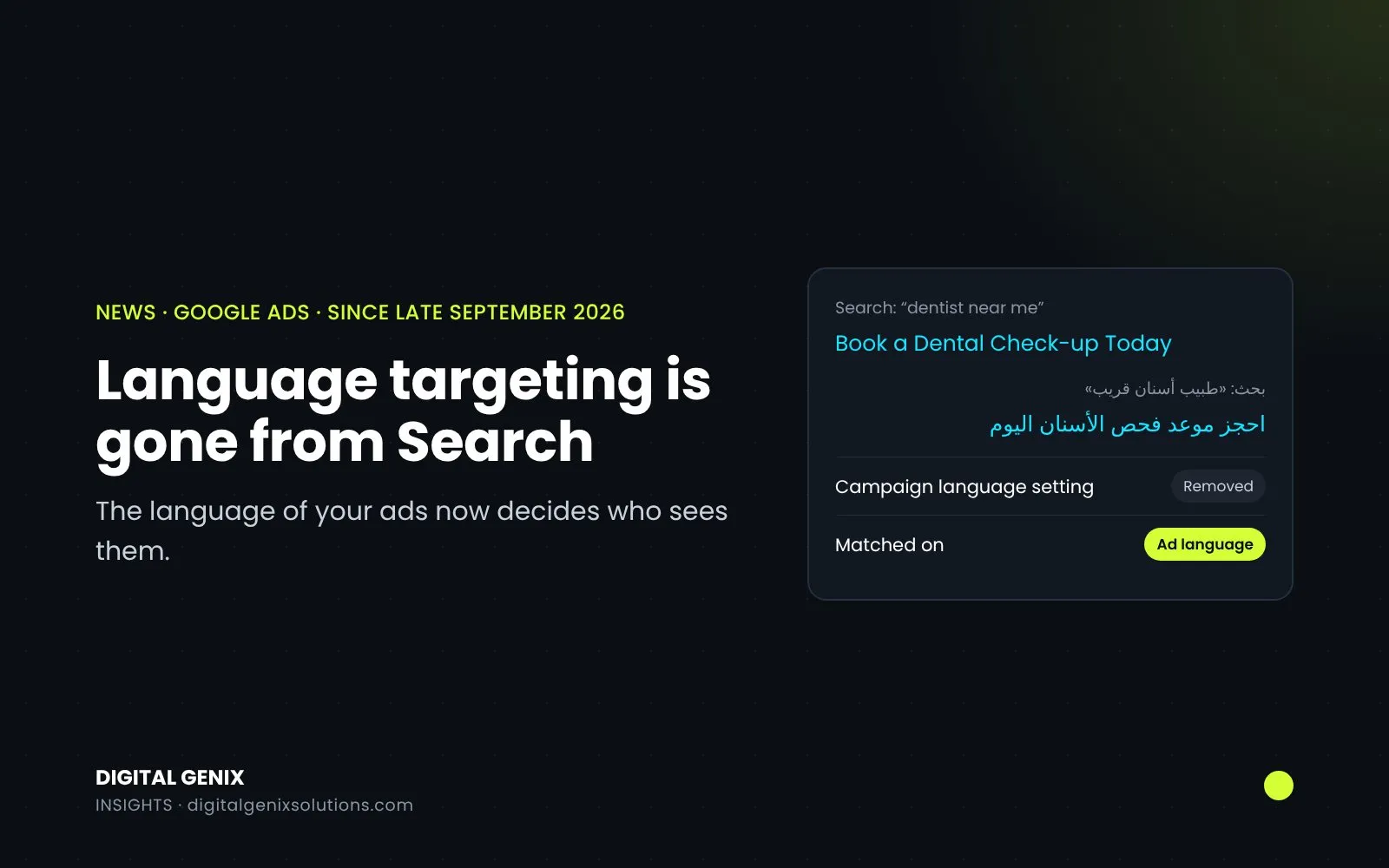
Since late September 2026, Google Search campaigns no longer use the campaign-level language targeting setting. Instead, Google decides which ad to show from the language of your ads and landing pages, the language of the search, and the person's language settings. The same applies to Performance Max ads on Google Search. If every ad you run is in English and aimed at English speakers, very little changes for you. If you advertise in more than one language, for example English and Arabic in the UAE or English and Urdu in Pakistan, the language your ads are written in now does the job the setting used to do.
What changed, campaign by campaign
Google announced the change on its Ads Developer Blog on 13 August, for "late September 2026".
| Campaign type | Language setting now |
|---|---|
| Search (including AI Max) | Removed. Ads are matched on the language of the ads themselves |
| Performance Max, on Google Search | No longer used. Matching works the same way as Search campaigns |
| Performance Max, on YouTube, Display, Discover and Gmail | Still used to guide who sees the ads |
| Display, Demand Gen and Video | Not part of this change |
Google's language targeting help page says "No action is required by advertisers for this change." Existing campaigns kept running, and any languages you'd selected in a Search campaign simply stopped applying.
How Google picks the language now
For Search, the help page says Google "uses search-term language, the user's language settings and their preferences" to work out which languages someone understands, then tries to show the best ad you have in one of those languages. Google's Ads Product Liaison, Ginny Marvin, put it more simply when announcing the timing: "We prioritize ads that match the user's search term language" (quoted by PPC Land).
So a search typed in Arabic should favour your Arabic ad, and a search typed in English your English one. For searches with no clear language, such as a brand name on its own, Google falls back on the person's preferred language.
What hasn't changed
According to Google, as reported by PPC Land:
- There are no language exclusions. Leaving a language unselected never excluded it, and that's still true.
- Google doesn't translate your ads. AI Max's text customisation doesn't translate them either. If you want an ad in Urdu, you write it in Urdu.
- Reporting is the same.
- Single-language campaigns still work. If you already run a separate English campaign and Arabic campaign, they carry on as before.
Location targeting is a separate setting and hasn't changed. Language decides which ad fits the person; location decides where you advertise.
What it means in the UK, the UAE and Pakistan
UK. Most UK advertisers run in English only, so this is a non-event. It matters if you run ads in another language for a particular community, for example Polish, Urdu or Arabic. Those ads now rely on being written fully in that language, with a landing page to match.
UAE. If you run English and Arabic ads side by side, the setting used to help keep the two apart. Now it's the ads that do it, so each ad group should hold ads in one language only, with landing pages in the same language.
Pakistan. The same applies if you run English and Urdu ads. One thing to watch is Urdu written in English letters, often called Roman Urdu. Google's pages don't say how it treats that kind of search, so check your search terms report to see which of your ads are showing for those searches.
What to check in your account
- One language per ad. Make sure each responsive search ad is written entirely in one language. Google's own advice in the announcement is to make sure "ads and landing pages are clearly written in the intended languages".
- Landing pages to match. An English ad leading to an Arabic page, or the other way round, gives Google mixed signals, because it now reads the language of both.
- Search terms report. Look for searches in a language you didn't plan for. If they're not useful, add negative keywords.
- Performance Max. Keep the language setting right. It still controls the YouTube, Display, Discover and Gmail side of the campaign.
- Scripts and tools. If you build campaigns through the Google Ads API, adding a language to a Search campaign now returns an error. Existing language settings can still be read, but they no longer do anything, so remove them from your build scripts.
Two changes in the same month
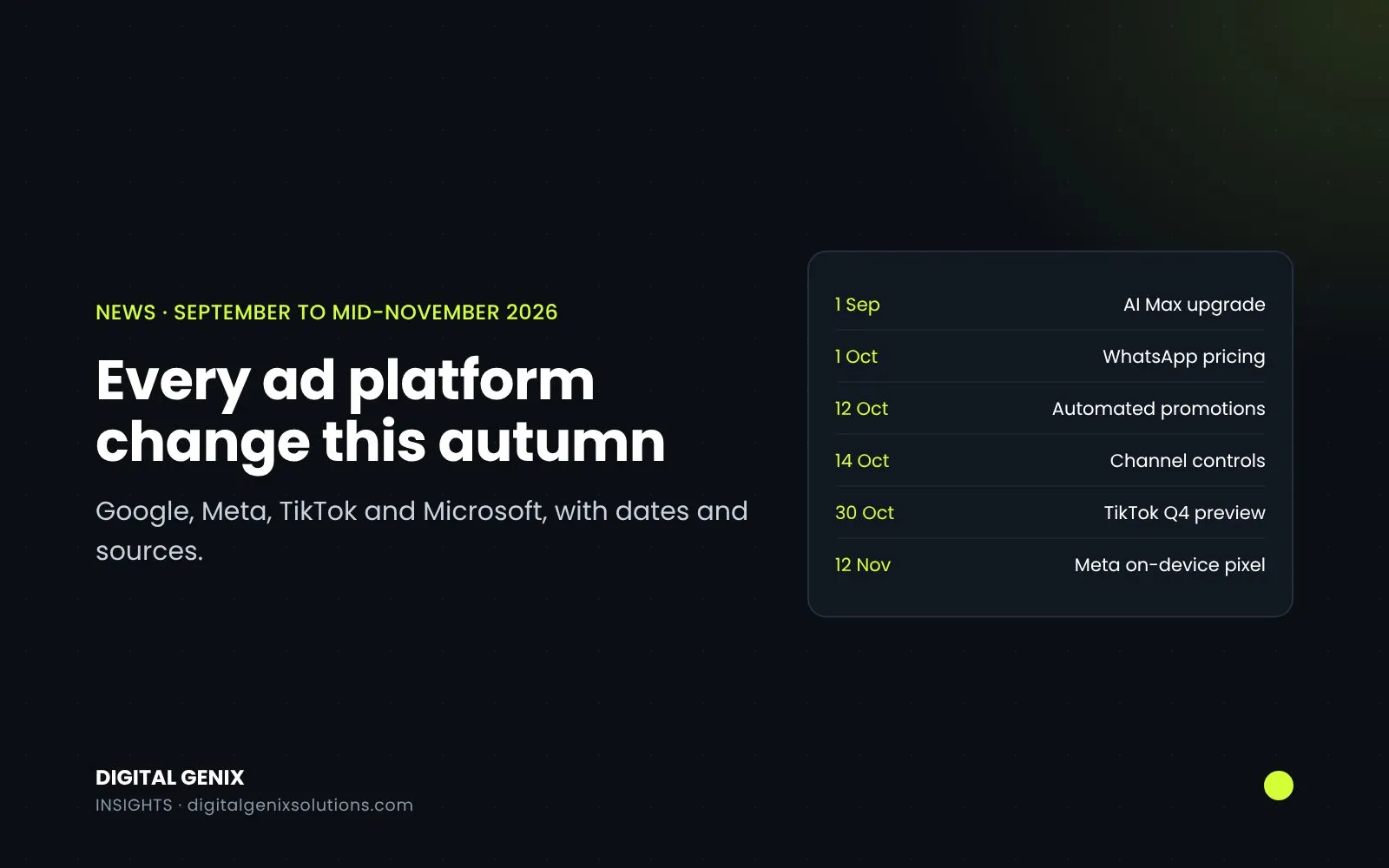
AI Max upgrades started on 1 September, the same month the language setting went. If your Search results moved in September, either could be the reason. Check the AI Max match type in your search terms report first. Our guide to checking what AI Max switched on shows where to look.
We run Google Ads for businesses in the UK, the UAE and Pakistan, where English, Arabic and Urdu campaigns often run in the same account. If you'd like us to check how your ads are being matched by language, ask for a free PPC audit, or see how we handle Google Ads management.
Sources
- Google Ads Developer Blog: Google Ads language targeting changes starting September 2026 (13 August 2026)
- Google Ads Help: About language targeting
- PPC Land: Google Ads drops language targeting in September (includes Ginny Marvin's statement of 14 August 2026)